
Vendor Financial Invoice Processing in SAP via EDI and IDoc
June 18, 2025 | by Jodi Abrams

If you are handling inbound vendor invoices via EDI using the INVOIC01/02 IDoc, there's more to success than just getting the segments mapped. Here's a rundown of the core configuration in OBCA, OBCB, OBCC, OBCD and OBCE and the IDoc segments that control G/L and cost center postings.
SAP Configuration: OBCA–OBCD
OBCA – Company Code Determination
• Uses partner type + partner number + company code name.
• Company code name is pulled from segment E1EDKA1, qualifier RE – field E1EDKA1-PARTN or E1EDKA1-NAME (if PARTN is empty).
• Allows invoice processing under multiple company codes for the same partner using shared mapping.
OBCB – G/L Account Determination
• Defines which G/L account is to be used per invoice line.
• Segment E1EDP19, qualifier 002 – field E1EDP19-IDTNR is matched to the Goods/Service number in OBCB.
• If no match is found, a default account can be used via wildcard (*).
OBCC – Additional Account Assignments
• Segment E1EDP02, qualifier 021 – field E1EDP02-BELNR is matched to the Account Assignment ID in OBCC.
• Used for bringing in cost centers, internal orders, profit centers, etc.
• Wildcard (*) can provide default values.
OBCD – Conversion of External Tax Rate to Tax Code
• Maps external tax rate to internal tax code.
• Driven by segments E1EDK04 (header tax) and E1EDP04 (item tax).
• Tax code returned based on matched entry in the OBCD table.
OBCE – EDI Invoice Program Parameters
• Controls invoice posting settings such as posting keys, tax calc, and document parking. • Must be configured for each partner and company code combination.
Troubleshooting Common Errors
• If an IDoc fails, simulate the posting in FB60 or MIRO to reproduce the scenario. • Run the IDoc in foreground mode to step through the BDC processing. • Check FB00 user settings and ensure consistency between your user and the IDoc processing user.
For more information on vendor EDI in SAP, check out this blog
.About the Author

Jodi Abrams
Related Articles

Your EDI Is “Managed” - But Who Manages the Failures?
There’s a big difference between having someone manage your EDI maps and having someone manage your EDI.
EDI 820 Payment Processing in SAP
From EDI 820 to Cash Applied: How Arcus Automates Payment Advice Posting in SAP
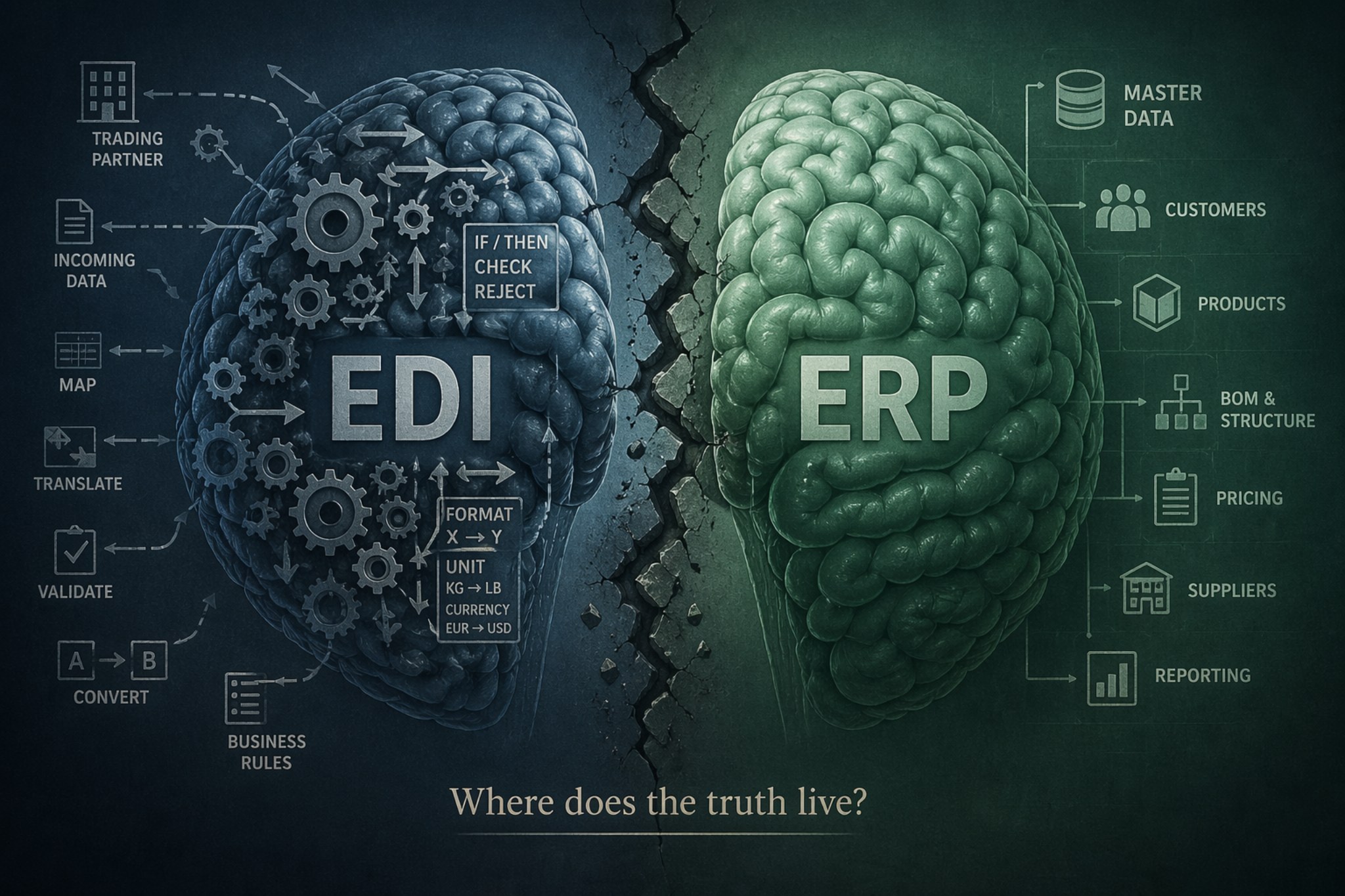
Single Source of Truth in EDI - Easier Said Than Done
How small EDI fixes like lookups, conversions, and custom rules can slowly pull business logic out of your ERP and create long-term complexity.